Torx Design System
80+ hours saved weekly by building a first-in-class living design system, beyond UI kit
Industry
Scientific Software
Role
Lead Designer
Date
2025
When I joined Cresset as Lead UX Specialist, Torx, a collaborative project with Elixir, was already breaking new ground by integrating the four core stages of small molecule discovery (Design, Make, Test, Analyze) into a single platform.
But beneath the surface, each module had evolved in isolation, leading to a fragmented user experience. Scientists and engineers faced a patchwork of interfaces, each with its own quirks and workflows. This inconsistency didn’t just slow users down; it risked undermining the very promise of Torx as a seamless, end-to-end solution for biomolecular discovery.
The CHALLENGE
The stakes were high. Our users, world-class scientists, demanded precision, speed, and reliability. Meanwhile, our engineering and application science teams needed to rapidly prototype, demo, and iterate in a fast-moving, high-stakes environment. We face a two-fold problem:
1. Inconsistent UI: Torx's four modules (Design, Make, Test, Analyze) had unique, disconnected interfaces, slowing down users and adding unnecessary friction to the discovery process.
2. Need for Speed: Our Devs and Application Scientists needed an intuitive and reliable interface that could reduce the time spent by App Scis on demos, evaluations, and everyday use.
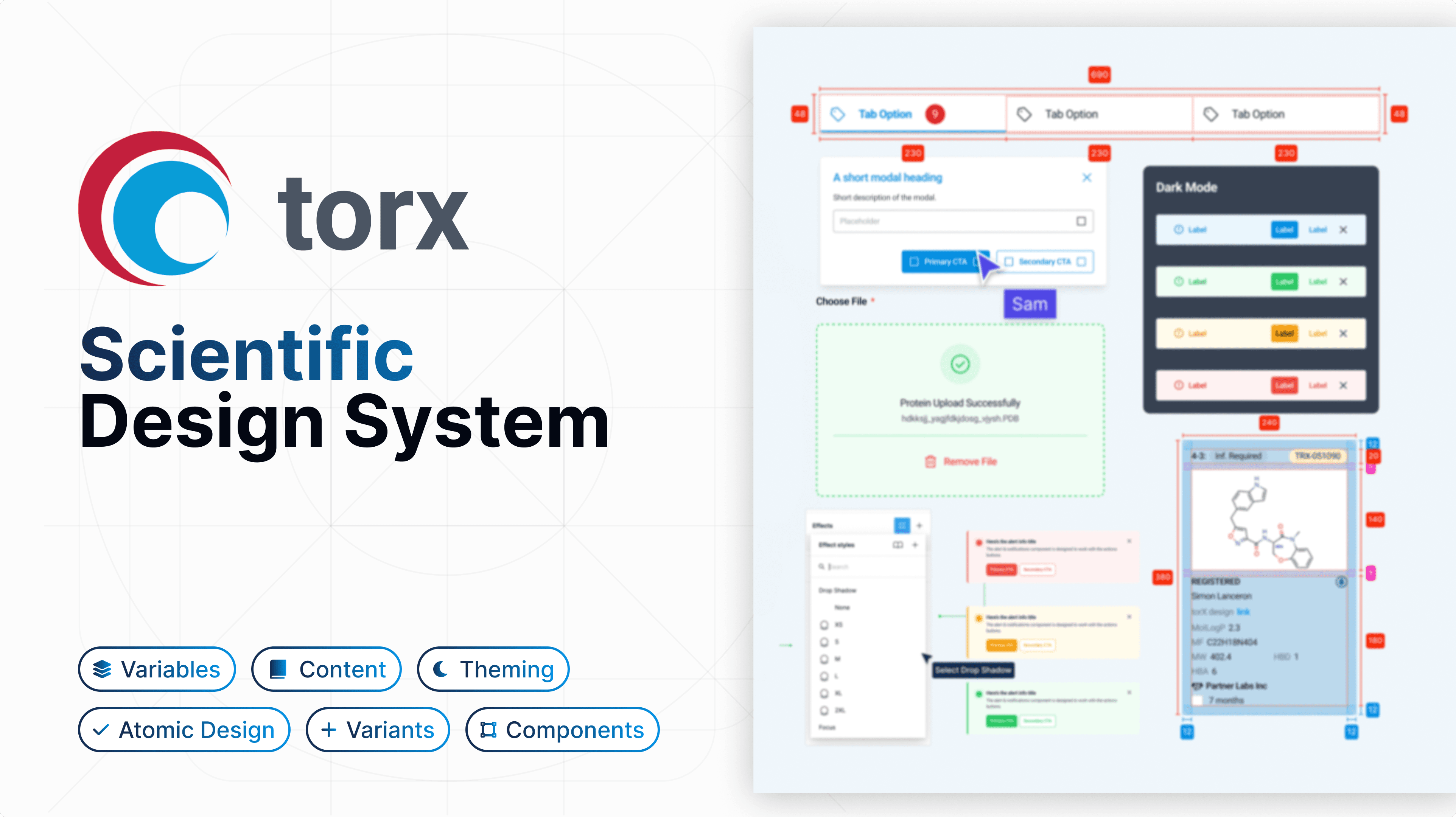
I made the vision clear - How might we build a system that wouldn’t be a static, but a living and would evolve with Torx, integrating with ongoing development and new feature work?
Strategic Decisions
Cross-Disciplinary Collaboration as a Foundation
Rather than imposing my designs, I embedded myself within product, development, and scientific teams. This allowed me to surface real pain points and ensure the system would be both visually cohesive and scientifically practical.
Prioritising Flexibility and Scalability
I rejected the idea of a static style guide. Instead, I advocated for a dynamic, modular system, one that could flex to accommodate new scientific workflows, integrations, and branding needs as the platform evolved.
Specialised Components for Scientific Context
Standard UI kits do not account for the nuances of molecular modelling, genetic data, or complex visualisations. I designed custom components like chemistry toolbars, interactive plots, heatmaps, icons and so on, tailored to the needs of molecular scientists.
What we built
The First Scientific UI Kit for Small Molecule Discovery
Unified Interface, Intuitive Experience
By harmonising visual language and interaction patterns across all modules, we made Torx feel like a single, powerful tool, no matter where users were in their discovery journey.
Thematic Control and Customisation
Recognising the diverse branding needs of our partners, we introduced seamless theme-switching and easy customisation without sacrificing usability or scientific accuracy.
Realistic, Rapid Prototyping
We built interactive components that enabled the engineering team to create demos indistinguishable from the final product. This not only accelerated client evaluations but also fostered a culture of rapid iteration and user-centred refinement.
Core Features
Detailed Design Guidelines & Unified Interface
The UI Kit brought visual and functional consistency across Torx’s four core modules, transforming the user experience by making interactions intuitive and fluid, no matter which module users navigated.
Specialised Scientific Components
Introduced highly specialised components, such as chemistry, biology and genetic elements, ensuring that the system catered directly to the needs of molecular scientists.
Enhanced data visualisation tools, including customisable charts, mini charts, plots, complex tables and heatmaps.
Faster, More Realistic Prototyping
The system included interactive components for more realistic prototyping, allowing the engineering team to quickly develop demos that closely mimic the real software. This reduced the time spent on client demos and internal evaluations, making the platform more accessible and understandable for users.
Flexible Customisation & Thematic Control
Integrated seamless theme-switching and easy customisation of fonts, colours, and styles to ensure brand consistency without affecting core functionalities.
Impact
By unifying the design across Torx's modules and creating an adaptive design system, we saw immediate benefits:
Reduced Development Time
The design system allowed the engineering team to work faster and more efficiently. With reusable components and a unified visual language, less time was spent on UI inconsistencies, allowing developers to focus on building innovative features.
Faster Demos and Evaluations
The intuitive design reduced the time needed to showcase Torx to potential clients. Application scientists could easily guide users through the platform, highlighting the tool’s full potential without getting bogged down in complex interfaces.
Enhanced User Experience
Scientists using Torx for small molecule discovery found the interface more cohesive and easier to navigate, leading to faster decision making and better outcomes in their research.
Outcomes
80+ hours saved per week through scalable design system that optimised internal processes, reducing development time by 30% and ensuring that our team could rapidly deliver new features and improvements.
Revolutionised platform experience and collaboration for clients through the more cohesive and intuitive interface that transformed how users interact with the platform. This unified design not only boosted user engagement but also "revolutionised communication and prioritisation" for clients, improving workflows with external partners and accelerating key molecule delivery. - Associate Director, Medicinal Chemistry, Cambridge Biotech
Clients like Monte Rosa appreciated the platform's integration with in house databases and its adaptability to growing needs. The design system I built future-proofed the product, enabling effortless scaling to support expanding workflows.